Understand What Affects Home Wi-Fi Coverage
Improving home Wi-Fi coverage starts with knowing what reduces signal strength. Walls, floors, appliances, and even the router’s age will affect range and speed.
Knowing the limiting factors helps you choose targeted fixes rather than guessing. This saves time and often money.
Improve Home Wi-Fi Coverage: Quick Checklist

Use this checklist to evaluate your current setup. Work through easy items first, then try more advanced options if needed.
- Check router placement and height.
- Update firmware and use current Wi-Fi standards (e.g., 802.11ac/ax).
- Change channels and avoid interference.
- Consider a mesh system or access points for large homes.
- Secure the network to prevent bandwidth theft.
Improve Home Wi-Fi Coverage: Assess Your Home Layout
Map where you need strong Wi-Fi and note materials between those areas and your router. Concrete, brick, and metal impair signals more than drywall.
Typical problem areas are basements, far bedrooms, and detached garages. Prioritize these zones for fixes.
Router Placement and Orientation
Router location is the easiest and most effective change you can make. Place the router near the center of the area you need covered and as high as practical.
Avoid placing routers inside cabinets, behind TVs, or near large metal objects. These block signals and create dead zones.
Improve Home Wi-Fi Coverage: Antennas and Orientation
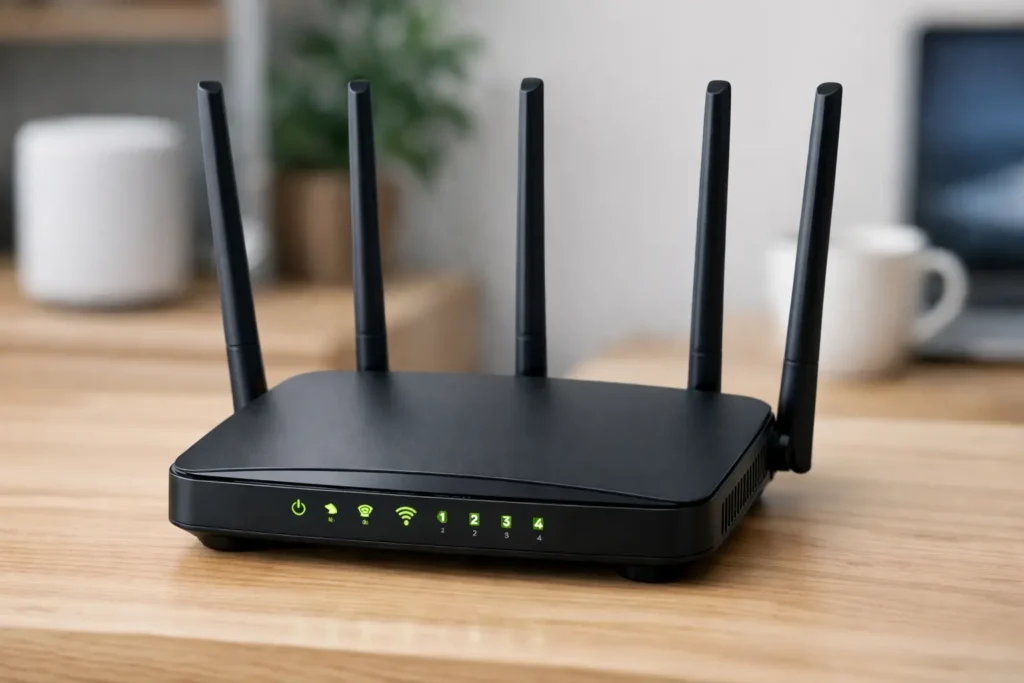
If your router has external antennas, orient them differently. Point one antenna vertically and another horizontally to improve coverage across floors.

Small adjustments to antenna angle or router height can improve performance without any cost.
Reduce Interference and Optimize Settings
Other electronics can interfere with Wi-Fi. Microwaves, cordless phones, and baby monitors commonly use similar frequencies.
To reduce interference, move such devices away from the router and try switching Wi-Fi bands.
- Use 2.4 GHz for long range but slower speeds. It’s more congested.
- Use 5 GHz for higher speeds at shorter ranges and less interference.
- Use the router’s admin page to change channels if neighbors use the same one.
Upgrade Firmware and Hardware
Firmware updates fix bugs and can improve performance. Check your router’s admin interface or the maker’s website for updates.
If your router is older than five years, consider upgrading. Modern routers support faster Wi-Fi standards and better range.
Improve Home Wi-Fi Coverage: Use Mesh or Access Points
For larger homes or multi-floor layouts, a single router may not be enough. Mesh systems and wired access points extend coverage reliably.
Mesh systems are easy to set up and use seamless roaming. Wired access points tied to Ethernet offer the most stable performance if cabling is available.
Practical Steps and Examples
Follow these practical steps in order. You can stop once coverage meets your needs.
- Move the router to a central, elevated location.
- Update firmware and reboot the router.
- Change channels on the 2.4 GHz band after scanning for nearby networks.
- Switch devices that need speed to the 5 GHz network.
- Consider a mesh kit or add an access point for persistent dead zones.
Wi-Fi signals lose strength quickly with distance: a router’s signal can be reduced by more than half after just a few meters through walls. Simple changes in placement often give the biggest improvement.
Case Study: Two-Story Home Wi-Fi Fix
Home: 2,200 sq ft two-story house with dead zones on the second floor. Problem: router in a corner of the first floor and many connected devices slowed the network.
Action taken: moved the router to a central hallway on the first floor, updated firmware, and added a mesh satellite in the upstairs hallway.
Result: Signal strength improved upstairs from one bar to three bars on most devices. Streaming and video calls became stable, and the homeowner removed a costly coaxial signal booster they no longer needed.
Advanced Tools and Tests
Use a Wi-Fi analyzer app to see channel congestion and signal strength in different rooms. These apps help decide where to place a satellite node or access point.
For professional needs, consider a site survey. This is useful for complex homes or when many smart devices are installed.
Security and Ongoing Maintenance
Secure your Wi-Fi with WPA2 or WPA3 encryption and a strong password. An unsecured network can allow neighbors to use your bandwidth.
Reboot your router occasionally and check for firmware updates quarterly. Periodic checks keep performance steady over time.
Summary: Practical Improvements That Work
Start with placement, firmware, and simple settings changes. If problems persist, upgrade hardware or add mesh nodes and access points.
Most homes see meaningful improvements from small, inexpensive changes. Use measurements and one change at a time to identify what helped.